Introduction: Why Everyone Confuses UX and UI
UX and UI are two of the most important fields in digital product design —
yet they are the most misunderstood.
People often mix them up or think they are the same.
But the truth is:
UX (User Experience) is how a product works.
UI (User Interface) is how a product looks.
Both are essential.
Both depend on each other.
But they are not the same.
This guide explains the real difference using simple language and real examples you already know.
1. What Is UX Design? (User Experience)
UX design focuses on the functionality, flow, and overall experience of a product.
UX answers questions like:
- Is this easy to use?
- Can the user complete their goal quickly?
- Is the process logical?
- Does it feel intuitive?
- Does the product solve the right problem?
UX work includes:
- User research
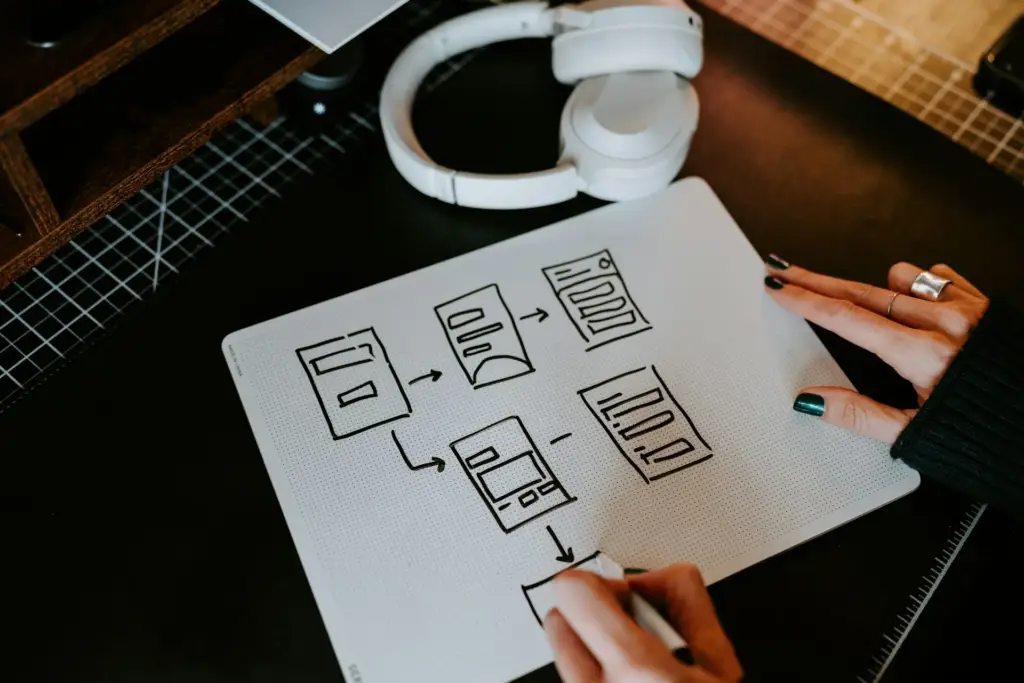
- Wireframes
- Prototypes
- Navigation structure
- User journey mapping
- Usability testing
- Information architecture
👉 UX = the backbone of the experience.
2. What Is UI Design? (User Interface)
UI design focuses on the visual and interactive elements of a product.
UI answers questions like:
- Does this interface look clean and modern?
- Are the colors and fonts consistent?
- Are the buttons clear and usable?
- Is the visual style aligned with the brand?
UI work includes:
- Typography
- Color palettes
- Layout
- Iconography
- Spacing
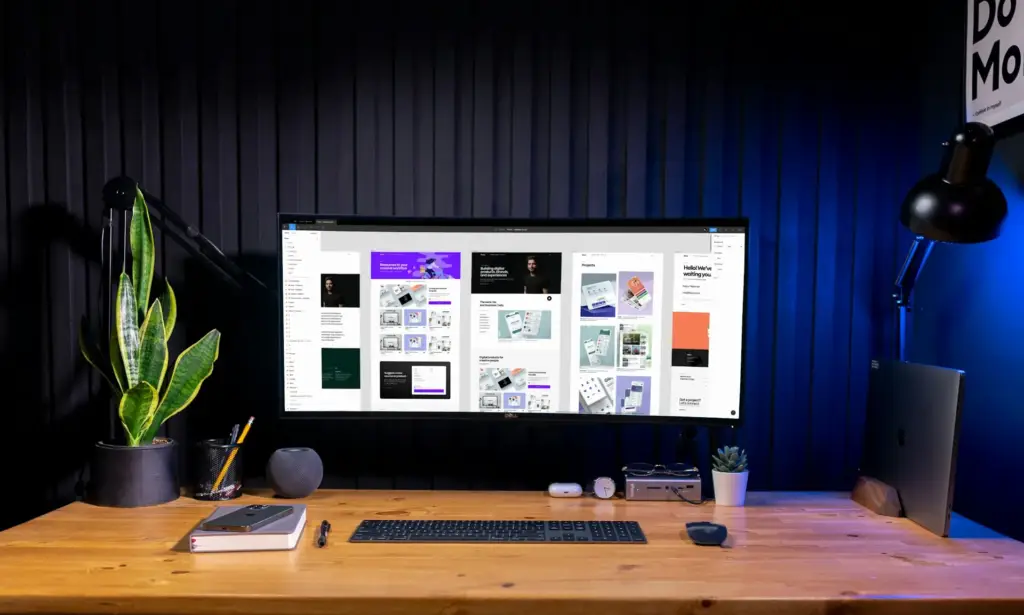
- Buttons and components
- Visual design systems
👉 UI = the personality and polish of the product.
3. The Simple Analogy: Restaurant Experience
The easiest way to understand UX vs UI is this analogy:
UX = the entire dining experience
- How easy it is to find the restaurant
- How fast the service is
- The how intuitive the menu feels
- How comfortable the environment is
- Whether the food meets your expectations
UI = how the restaurant looks
- The interior design
- The color palette
- Menu typography
- Plating style
- Lighting and atmosphere
You need both for a great experience.
4. Real Examples That Show the Difference
Example 1: Spotify App
UX:
- Easy access to playlists
- Personalized suggestions
- Smooth navigation
- Clear categories
UI:
- Clean dark interface
- Bold typography
- Consistent icon style
- Minimal, elegant visuals
Example 2: Airbnb
UX:
- Intuitive booking flow
- Simple filters
- Clear pricing
- Logical step-by-step system
UI:
- Soft colors
- Rounded buttons
- Clean layout
- High-quality photography
Example 3: Amazon
UX:
- One-click checkout
- Fast search
- Strong recommendations
- Clear hierarchy
UI:
- Simple color system
- Clean product cards
- High-contrast calls to action
5. Why UX and UI Need Each Other
A beautiful interface (UI) with bad UX = frustrating.
A great UX with ugly UI = outdated and untrustworthy.
Good UX without UI:
You know where to go, but the visuals don’t inspire trust.
Good UI without UX:
It looks amazing, but you can’t find anything.
Great products combine both:
- UX creates structure
- UI creates emotion
Together, they form a complete user experience.
6. UX Tools vs UI Tools
UX Tools:
- Figma (wireframes, prototypes)
- Miro (user flows, mapping)
- Notion (research, documentation)
- Maze / Hotjar (testing, feedback)
UI Tools:
- Figma (design systems, components)
- Adobe XD
- Sketch
- Illustrator (icons, assets)
Some tools overlap, but the tasks are completely different.
Conclusion: Know the Difference, Design Better Products
Understanding UX vs UI is essential if you want to build modern digital experiences.
Remember:
- UX makes a product functional.
- UI makes a product beautiful.
- Together, they create something users love.
If your website or app looks good but doesn’t convert, it’s a UX problem.
If it works well but feels outdated, it’s a UI problem.
And if it fails at both… it’s time for a redesign.
See some of our work
Want Us to Review Your UX/UI?
At Lyon Agency, we design experiences that combine strong UX strategy + beautiful UI design to create products users love — and trust.
We’ll show you what’s working, what’s missing, and how to improve both.